Ideas
Move fast.
Capture thoughts at speaking speed instead of typing every word.
Luciato for iPhone and Mac
Communicate faster, sharper, without breaking your flow. Luciato lets you speak naturally, shape rough thoughts into polished writing, and stay in the apps where your work already happens.
The writing gap
Your idea can be clear before the words are ready. Luciato helps close the gap between fast thinking, natural speech, and finished writing.
Ideas
Capture thoughts at speaking speed instead of typing every word.
Speech
Speak freely, even when the first version comes out rough.
Drafts
Describe the goal when you know what the writing needs to do.
The gap
Luciato turns spoken words and loose intent into polished text wherever your writing starts.
Two ways to write
Use Transcribe when you know what to say. Use AI Draft when you know the goal.
Transcribe
Speak naturally. Luciato turns fast speech into clear, polished text you can review.
Okay, regarding the presentation... I think we should rethink the second slide.
Regarding the presentation, we should rethink the second slide and simplify the data section.
AI Draft
Describe the intent. Luciato shapes it into a focused draft that fits the job.
Tell John I cannot review the proposal today and make it polite.
Thanks for thinking of me. I am swamped today, so I will not be able to give it the attention it deserves.
iOS and macOS
Luciato uses the right surface for each platform: a keyboard extension on iPhone and global shortcuts on Mac.
iOS keyboard
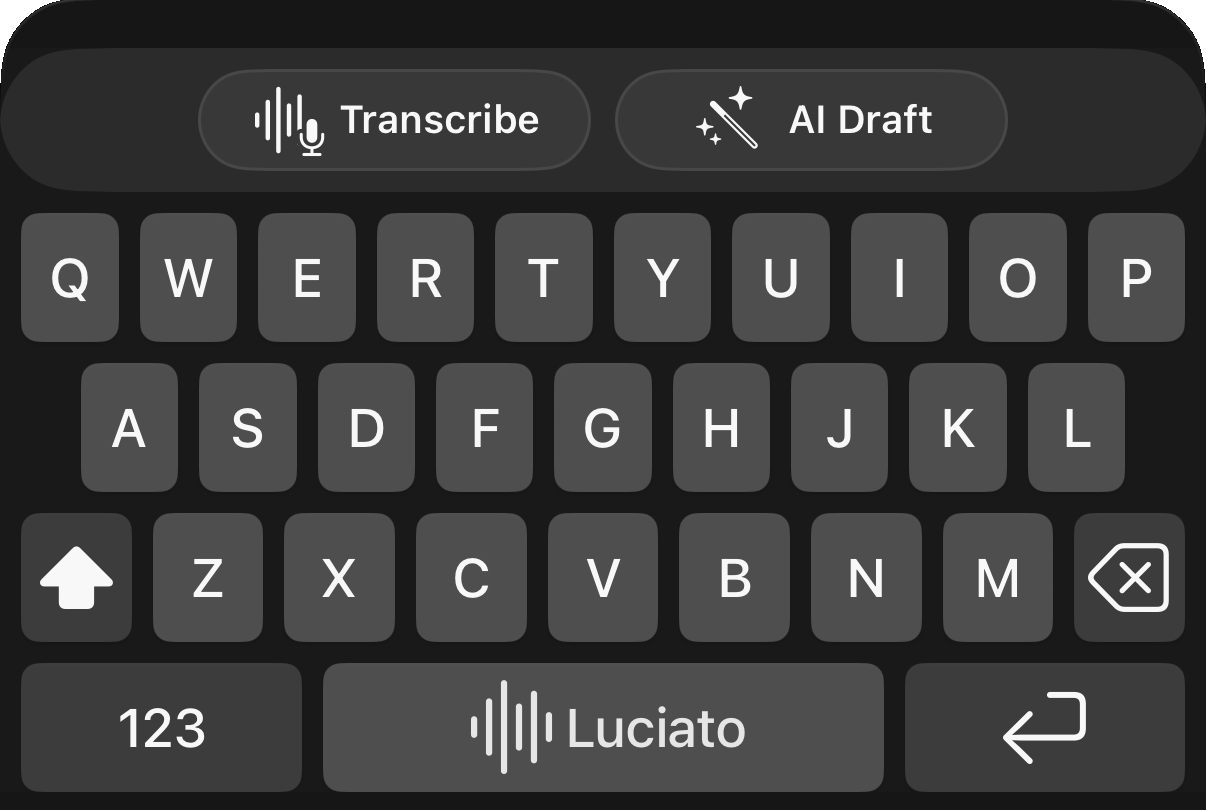
Install Luciato as an iOS keyboard, then use Transcribe or AI Draft in Messages, Mail, Notes, chat, and other text fields without opening a separate writing app.
Reply naturally
Draft a clear note
Capture an idea
Ask AI to shape it
Mac voice writing
Start Transcribe or AI Draft from the menu bar or a global shortcut, anywhere you can type, then bring the finished writing back into the active app.
Personalization
Guide Luciato with your vocabulary, tone, and writing preferences so finished text sounds closer to you.
Vocabulary
Add names, product terms, and phrases that should be recognized more accurately.
Writing preferences
Use custom instructions for tone, formatting, punctuation, and cleanup.
Review control
Review first, then use the quick undo path for the most recent insertion when you want to revise or try again.
Language support
Use voice writing across languages, with vocabulary for the words that matter. Choose a language when you need control or let Luciato auto-detect supported speech.
Transcribe
AI Draft
Vocabulary
Private and lightweight
Luciato is built without ad SDKs, account gates, or unnecessary collection, so voice writing stays lighter, calmer, and faster.
Fewer bundled frameworks and fewer hidden services help Luciato stay focused and light.
No account required
Use Luciato without creating a password or handing over contact details for marketing.
Feature-needed data only
Fewer prompts and less unnecessary collection make the privacy model easier to understand.
FAQ
Transcribe is for speech-to-text when you want your own words cleaned up and inserted. AI Draft is for speaking the intent and letting Luciato help shape the draft before you send it.
Yes. On iPhone, Luciato is available from the custom keyboard wherever that keyboard can appear. On Mac, Luciato is designed to help you place text back into the app where you were already writing.
On iPhone, Luciato works through the keyboard. On Mac, you can press a shortcut, speak, and bring polished text back into the active app.
Luciato copies finished text to the clipboard first. If you set up auto-insert, it can run your saved AppleScript, usually to paste with Command-V through System Events. Clipboard delivery remains available if the script fails or you prefer manual paste.
Yes. Luciato supports vocabulary management, writing preferences, explicit language selection, and auto-detect support for multilingual use.
On iPhone, Full Access lets the keyboard connect for supported cloud features. Microphone permission lets Luciato listen when you start a voice-writing action. On Mac, optional insertion features may also ask for Apple automation permissions.
Luciato's cloud features use a trial and paid subscription system. Current pricing and availability are shown in the app.
Available on the App Store
Download Luciato from the App Store and use voice writing on iOS and Mac.