Stay In Flow
No dock clutter, no extra window.
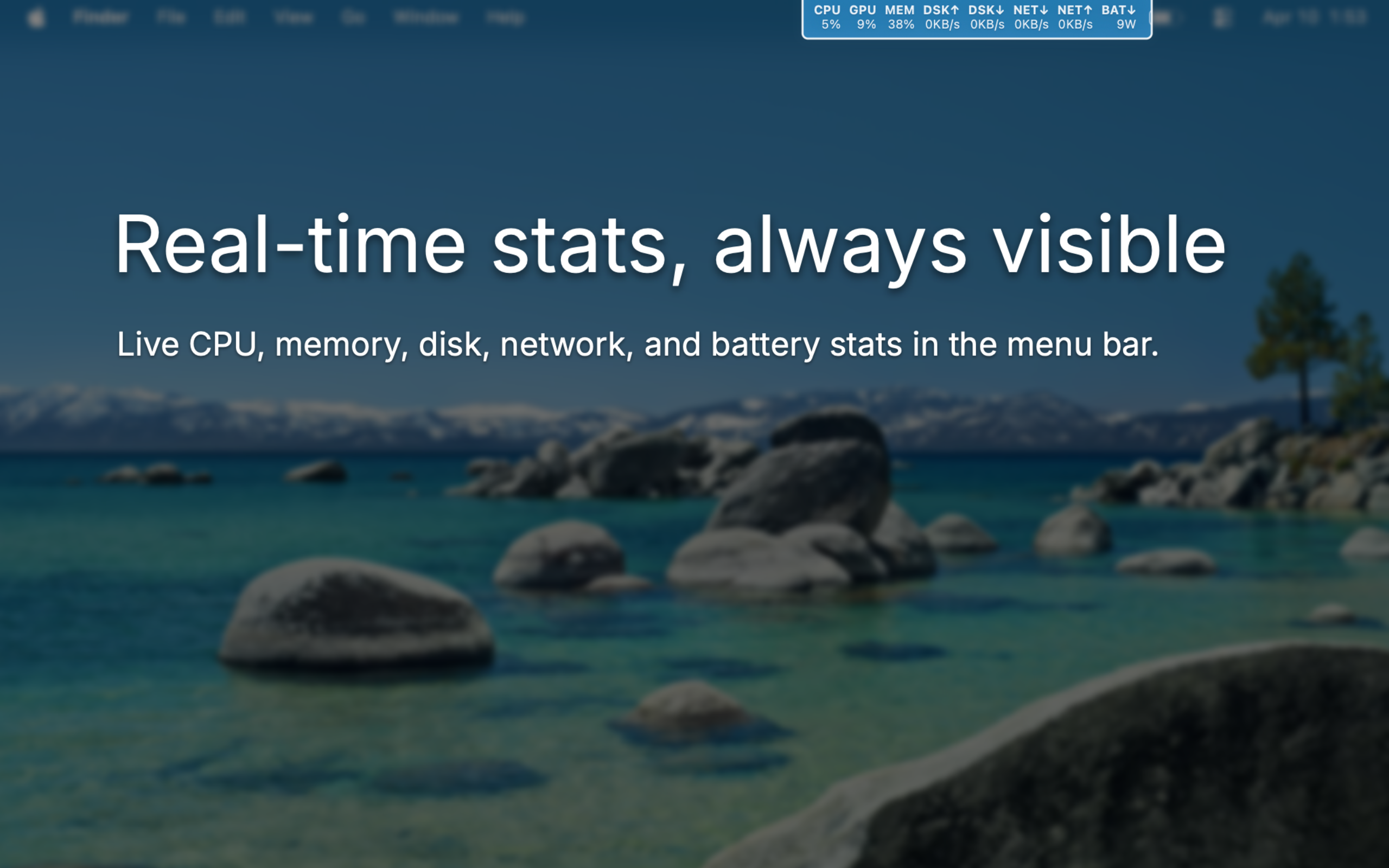
SystemVitals lives entirely in the menu bar, so you can check your Mac’s health without breaking focus or managing another app window.
Mac Menu Bar Monitor
Track CPU, GPU, memory, disk, network, and battery activity in real time without keeping Activity Monitor open.
Why It Fits
SystemVitals stays out of the way until you need it, then gives you the numbers that matter without forcing a full dashboard workflow.
Stay In Flow
SystemVitals lives entirely in the menu bar, so you can check your Mac’s health without breaking focus or managing another app window.
Choose The Signal
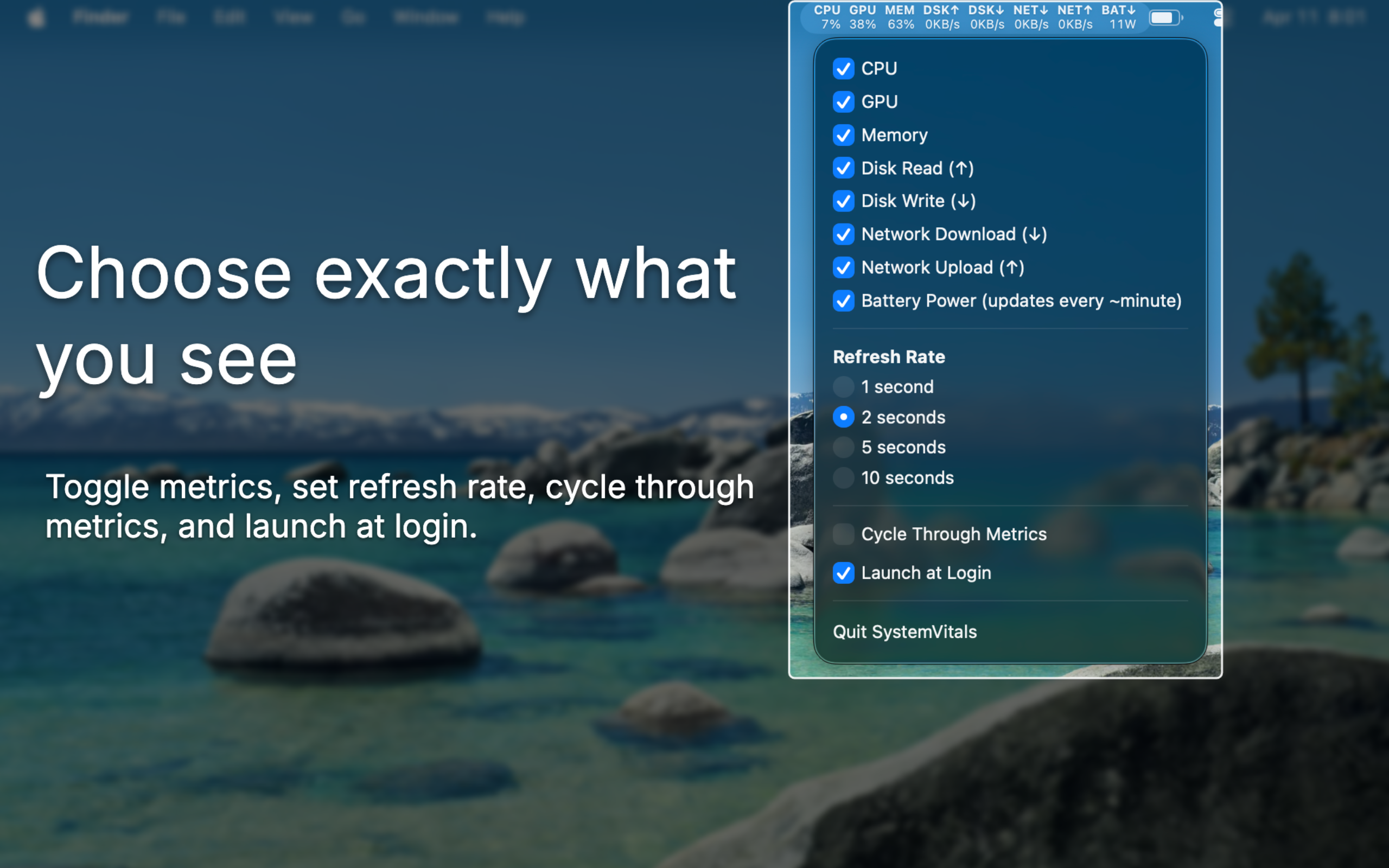
Toggle CPU, GPU, memory, disk, network, and battery data independently so the readout matches your workflow instead of someone else’s default.
Keep It Compact
Enable Cycle Through Metrics to rotate one enabled stat every two seconds while keeping the menu bar layout visually stable.
Glance Fast
Tune It Quickly
Metrics
SystemVitals focuses on the macOS stats you actually glance at during builds, transfers, renders, downloads, and battery-sensitive work.
CPU
See real-time processor usage directly in the menu bar while your Mac is compiling, exporting, or indexing.
GPU
Keep an eye on GPU activity during video work, 3D workloads, or anything else that leans on graphics hardware.
Memory
Track active memory usage so it’s easy to spot when the machine is approaching a heavier multitasking load.
Disk
Monitor current disk throughput in the units that make sense, from KB/s up through GB/s, as storage activity changes.
Network
See live network throughput without opening a separate utility whenever large syncs, calls, or transfers are underway.
Battery
View current battery wattage for a clearer sense of how demanding your present workload is on a portable Mac.
Support
Reach out with bug reports, questions, or feature requests. Including your macOS version and SystemVitals version helps us reproduce issues faster.
FAQ
No. SystemVitals is designed for live, glanceable menu bar monitoring. It helps you spot what’s happening quickly, then you can open deeper tools only when you actually need them.
Yes. CPU, GPU, memory, disk read/write, network download/upload, and battery power can be enabled or disabled independently.
Yes. Cycle Through Metrics shows one enabled stat at a time and rotates through them every two seconds.
SystemVitals requires macOS 15 or newer and is distributed through the Mac App Store.
Ready When You Are
SystemVitals keeps the essentials visible, configurable, and one click away.